
Scroll books the way you scroll reels.
- Read books and articles as short posts you scroll like a feed.
- Build a reading habit with a small daily goal and a streak.
- Save articles from anywhere on the web to read later.
- Bring your own EPUBs and PDFs, or pick from 3,000+ free classics.
- Turn any book or article into an audiobook and listen hands-free.
- Stuck on something? Ask the book with AI.
No sign-up needed. Works on Android, iPhone and computer.
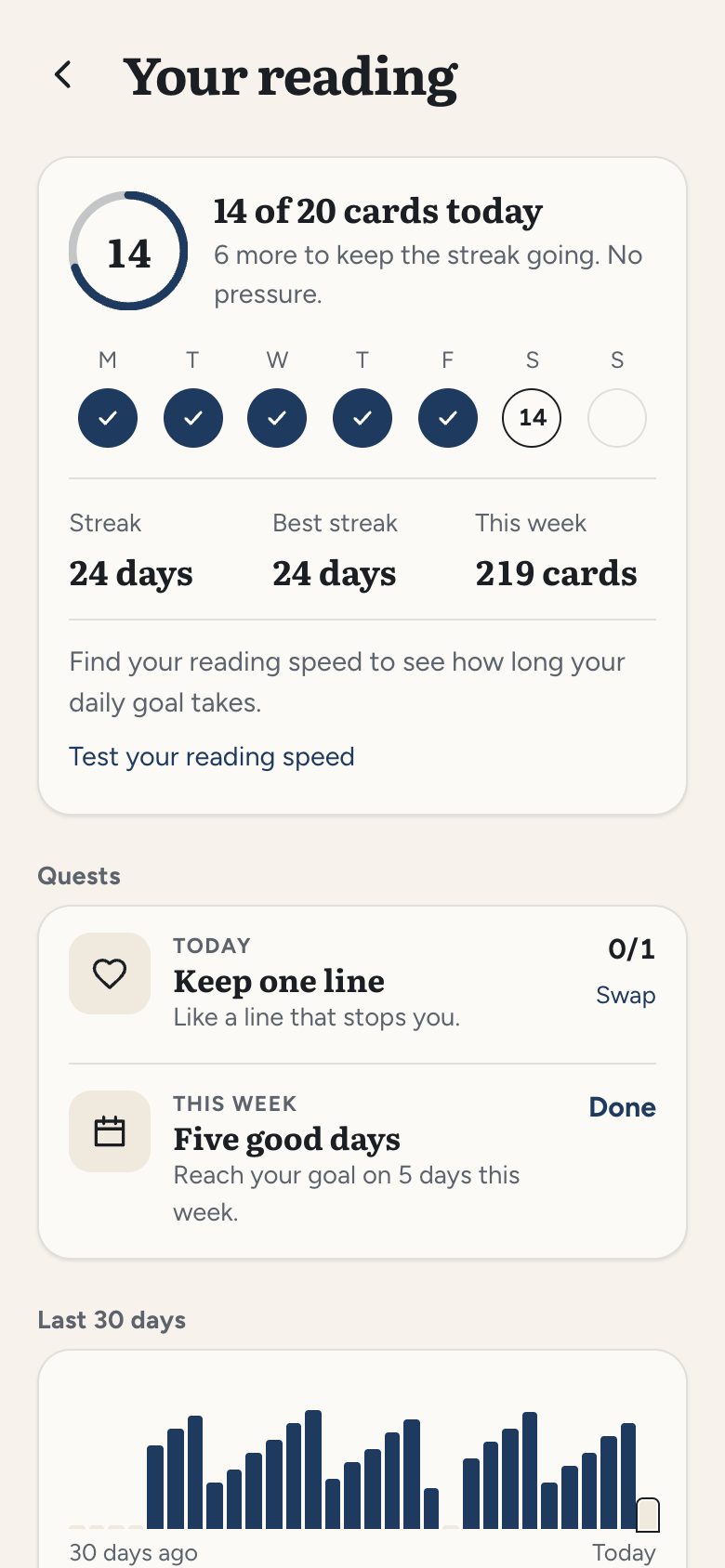
Make reading a daily habit
Pick a small daily goal, a few cards a day, and keep your streak going. Doomreader shows your week at a glance, your best streak and how much you read, with small quests to keep it fun. Miss a day? One missed day a week is forgiven, so a bad day does not break it.
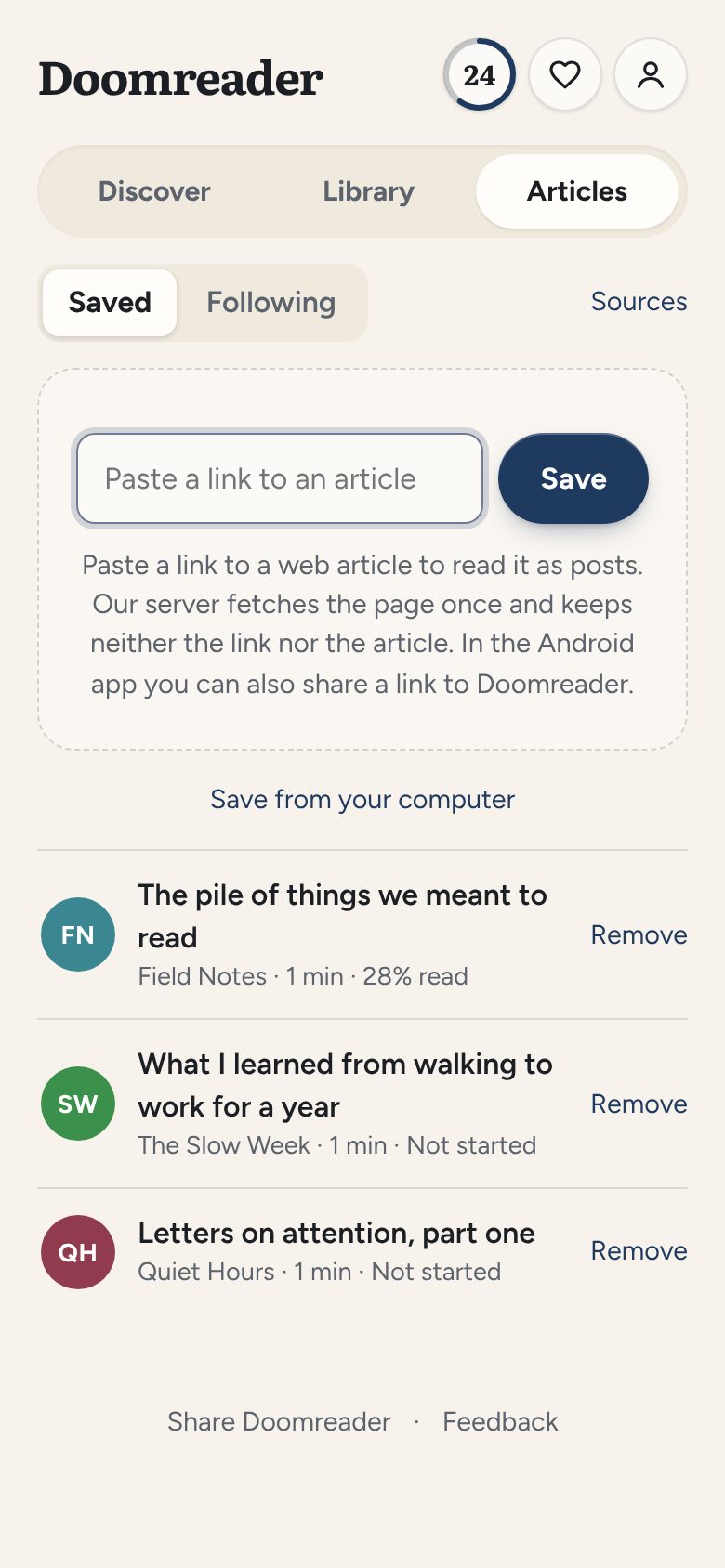
Save articles to read later
Paste a link, share it from any Android app or save it from your computer with the browser extension. Each article becomes the same easy feed as a book, with your place kept, and every card counts toward your streak. Moving from Pocket? Bring your saves with you.
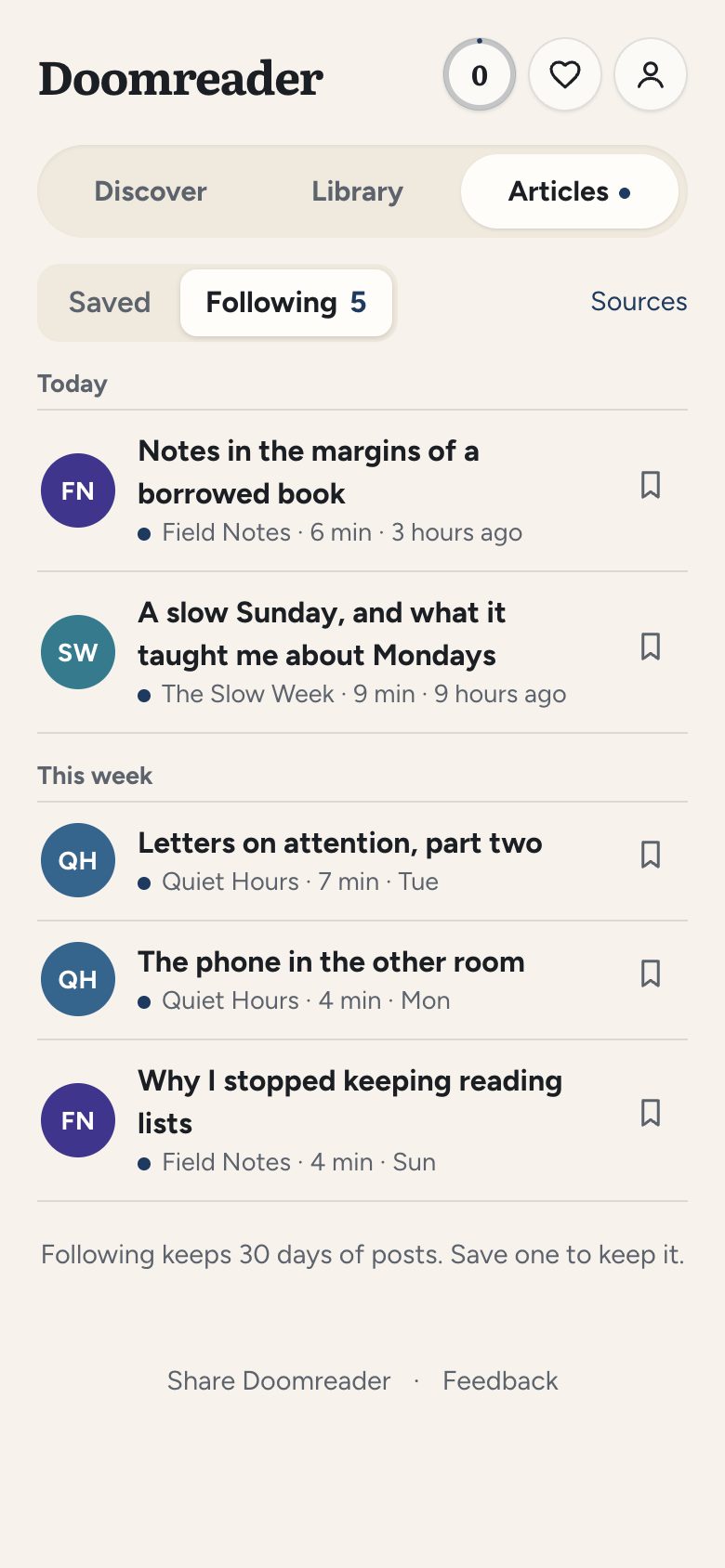
Follow blogs, newsletters and RSS feeds
Follow the blogs and newsletters you like, or any site with an RSS feed, and their new posts arrive in Following, in your Articles tab, ready to read as easy cards. With Pro you can also sign up to newsletters with your own Doomreader address, so they stop piling up in your inbox. Following is free for up to 10 blogs, and up to 500 with Pro.
Read with friends
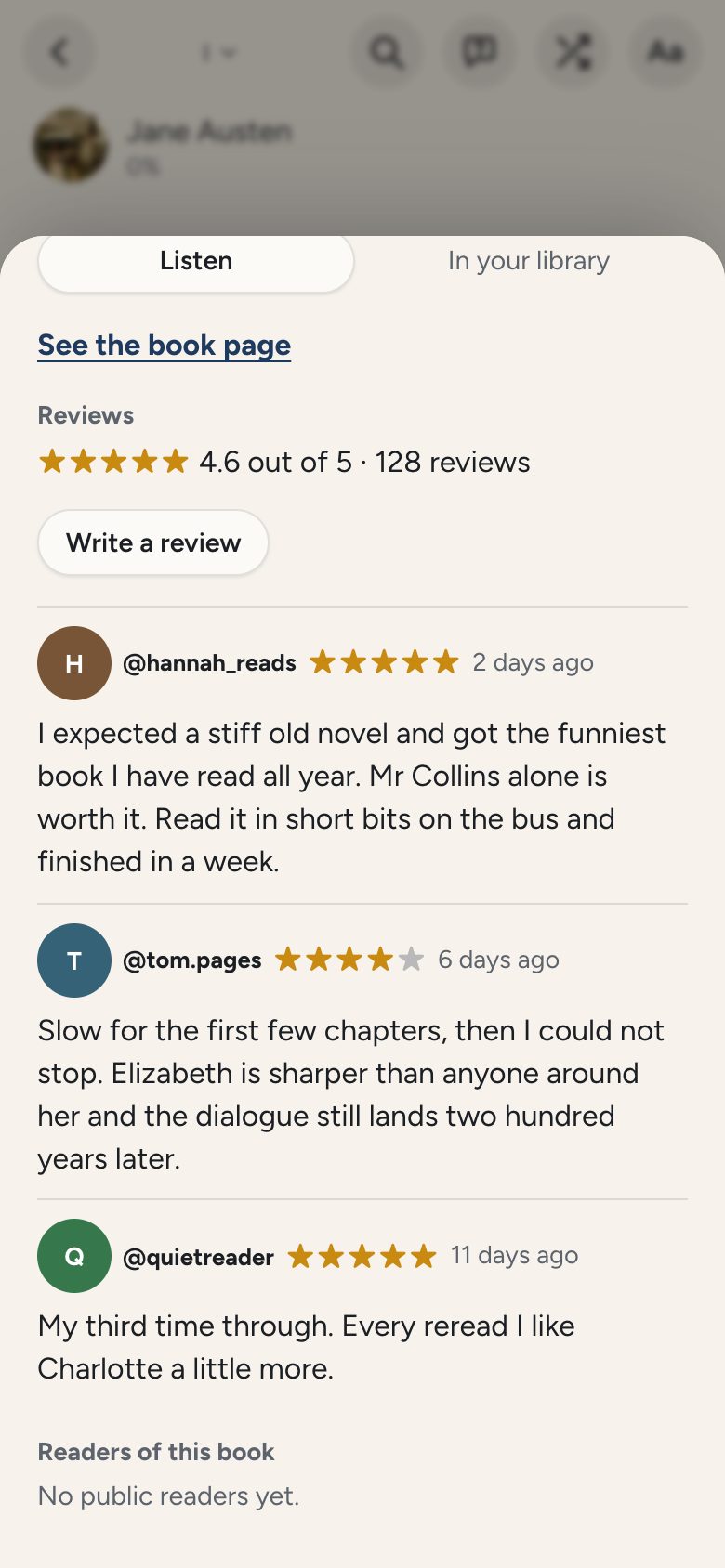
Rate and review the books you read, and see what other readers thought on each book's page. Comment on passages from the free books, and keep a reading streak going with a friend. With Pro you also get a public profile that shows your streak, what you're reading now and the books you've finished, and you can follow other readers to see what they read.
Find free books while you scroll
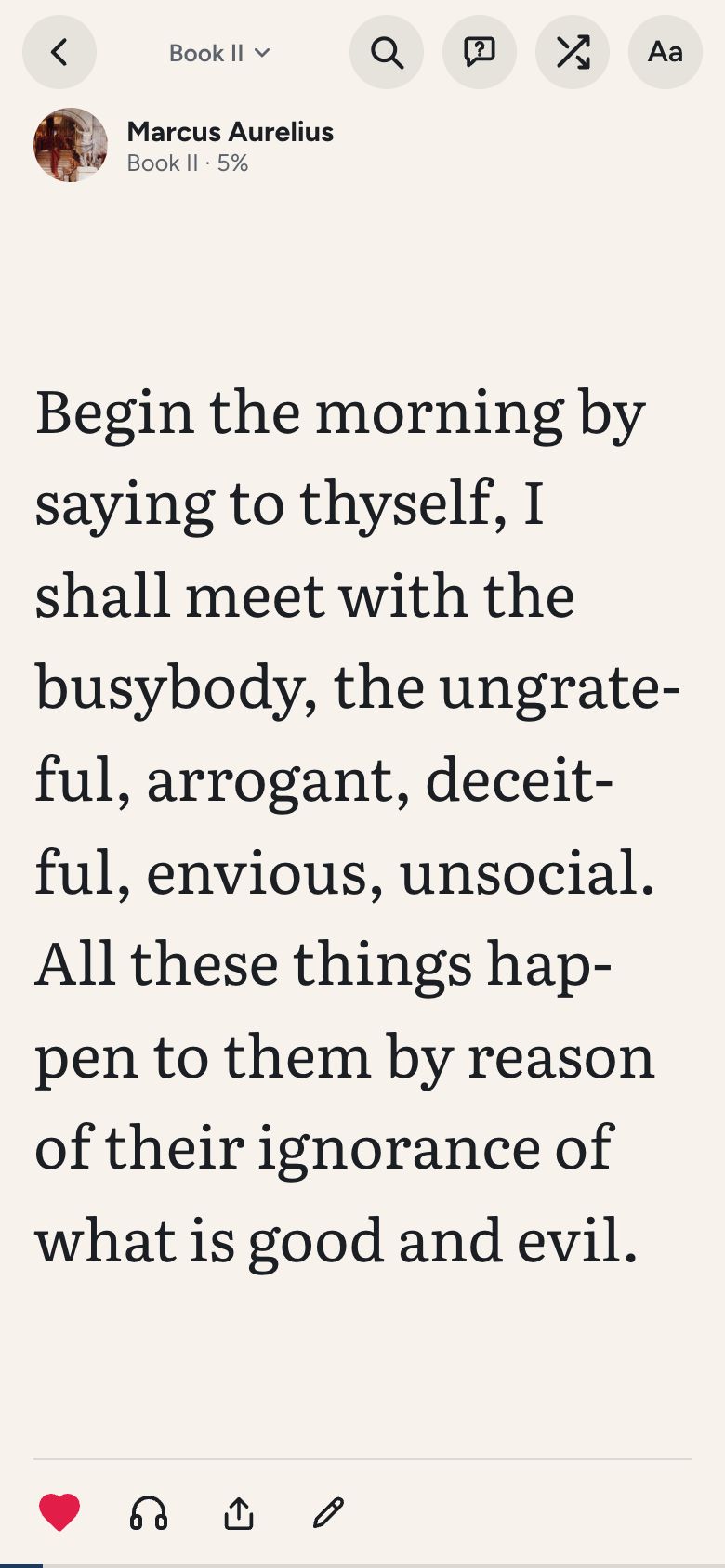
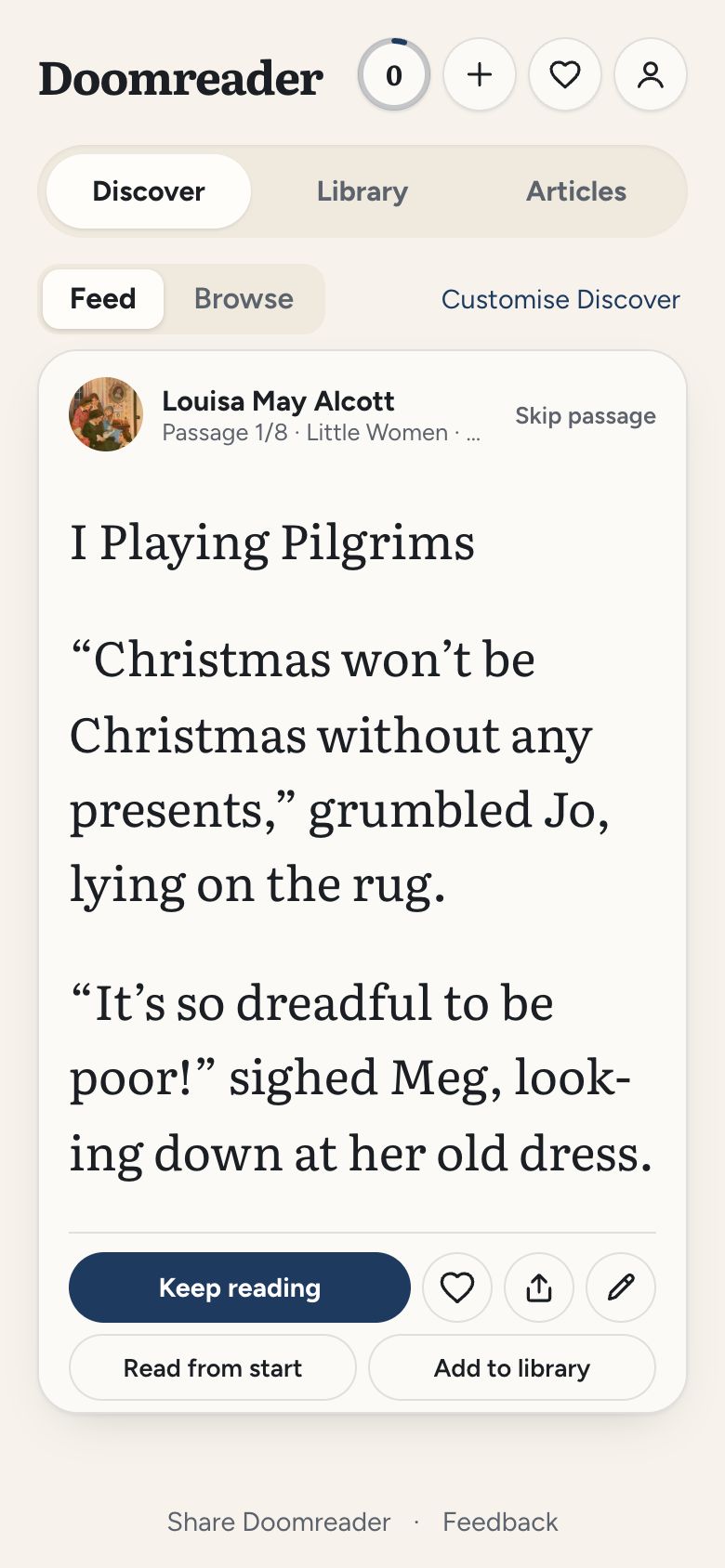
Discover is a feed of the best opening scenes and lines from 3,000+ free classics, from Meditations to Sherlock Holmes, plus economics, science, self-help and biographies. Like a passage? Keep reading from that exact page.
Ask your book or article anything
Forgot who a character is? Want an idea explained? Type or speak your question and get an answer from the text itself, with the passages it came from.
Ask Meditations
Why does he keep telling himself to get out of bed?
Because he thinks a person is made for work, not for lying under the blankets keeping warm. At dawn he argues with himself:
In the morning when thou risest unwillingly, let this thought be present: I am rising to the work of a human being.
From Book Five
Bring your own books and articles
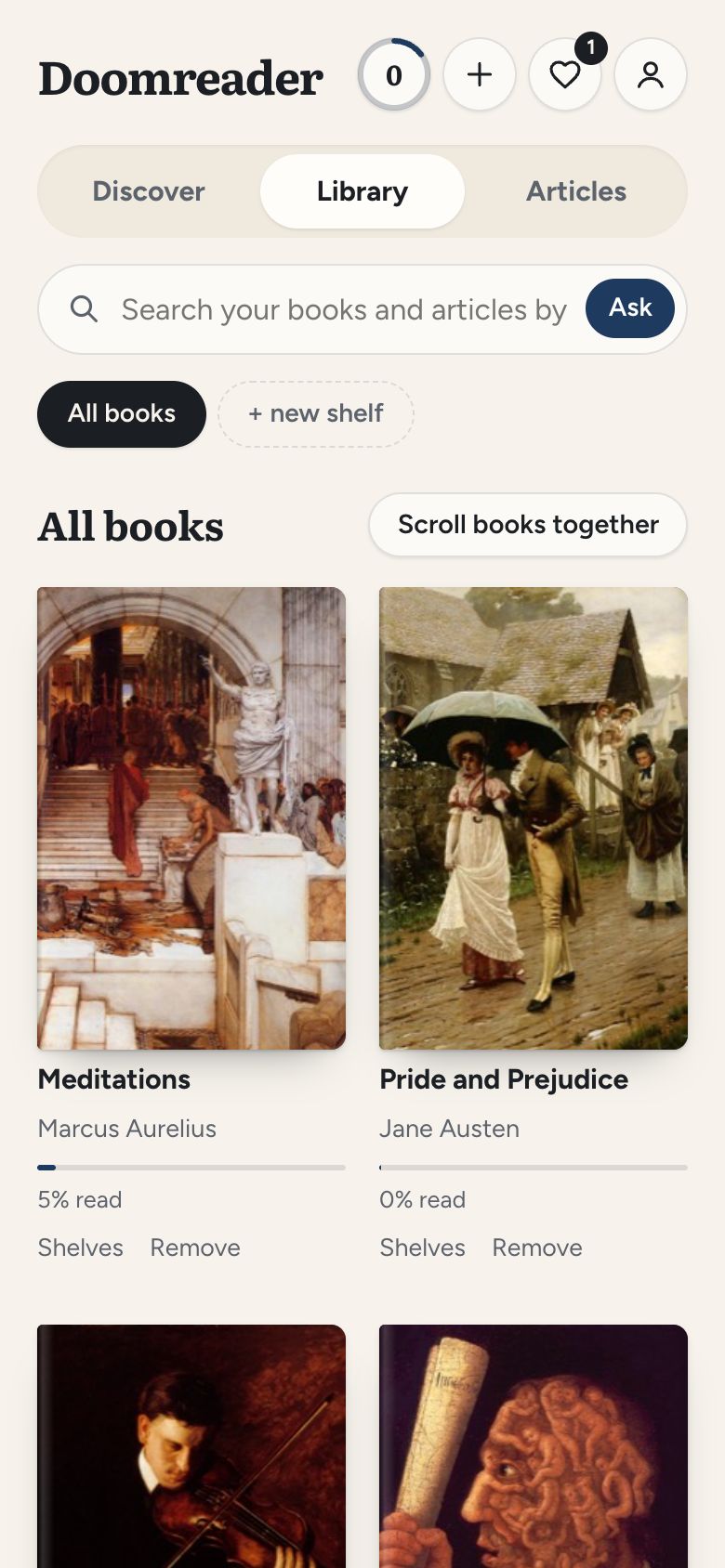
Open any EPUB or PDF, or save an article from the web. They all become the same easy feed, kept on your device, with your own shelves to organise them.
Everything else you'd want
- Listen: hands-free, at your speed.
- Highlights and notes: mark a line or a passage across cards, keep it in one Saved list, and share it as an image.
- Saved words: look a word up and it is saved with the sentence you found it in.
- Jump anywhere: slide through a book by chapter, then back to where you were.
- Fonts and themes: read the way you like, all free.
- 7 languages: English, Spanish, Portuguese, German, French, Hindi and Indonesian.
Start with a free classic
Every free book has its own page with its best passages, and the reading lists rank the classics by kind, each book one tap away.
Free to read. Pro when you want more.
Free: reading, Discover, every free book, all fonts and themes, highlights and saved words, Kindle import, comments, and 25 saved articles a month.
Pro: sync of your books, highlights, words and settings across devices, word flashcards, a public reading profile, Notion and Obsidian export, following up to 500 blogs (10 free), newsletters by email, and search inside everything.
AI credits: ask a book or your whole library, and listen with natural voices. Bought once, by anyone.
FAQ
Is it really free?
Yes. Reading, Discover, every free book, all fonts and themes, highlights, saved words and listening with your device's voices cost nothing; Pro adds sync across devices, word flashcards, a public reading profile, your reading inbox and more saved articles. Asking and natural voices use AI credits, which anyone can buy.
What can I read?
Your own EPUBs, PDFs with real text and articles saved from the web, plus 3,000+ free classics in Discover. Books with copy protection, password-locked PDFs and scanned PDFs can't be opened.
Do I need an account?
No, reading and Discover work without one. You only sign in, with Google or a confirmed email, to comment on passages, to ask your book or article questions, or to sync with Pro.
Where do the free books come from?
From Standard Ebooks, Project Gutenberg and Wikisource. They are public-domain books, complete and free for everyone.
Does it work on iPhone?
Yes. Open doomreaderapp.com/app in Safari and it runs as a web app, which you can add to your home screen to open like any other app.