
Doomreader
RSS reader app for blogs and newsletters that reads like a feed
Newsletters and blogs are some of the best writing on the internet, and the two usual places to read them are both poor: the inbox, between a bank alert and a calendar invite, or an RSS reader built for skimming hundreds of headlines. Doomreader is a quieter newsletter and RSS reader. Follow a blog or a newsletter by its link, its feed or an email address, and its new posts arrive in your Articles tab by themselves, ready to read as an easy feed with your place kept.
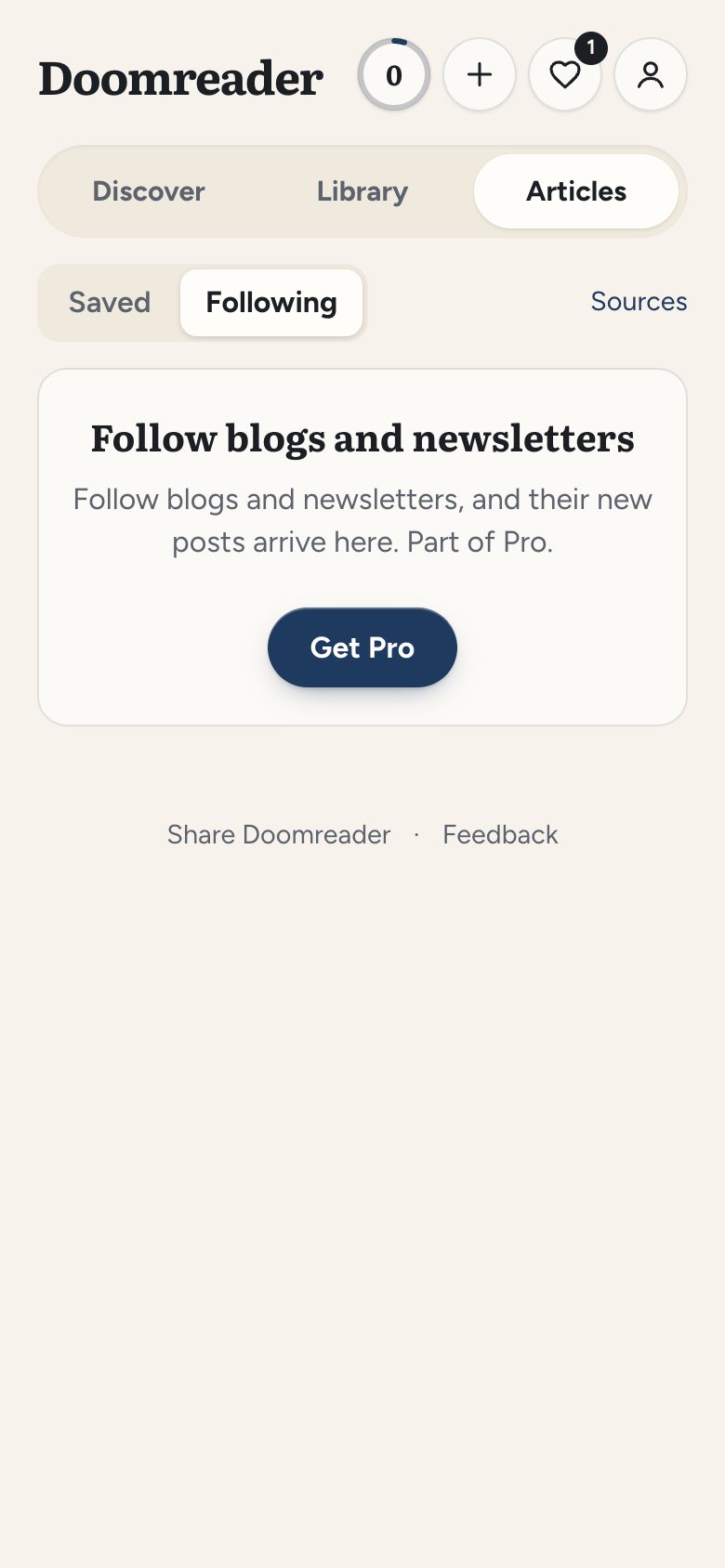
Following blogs and feeds is free for up to 10, and Pro follows up to 500 and adds newsletters by email. Saving single articles is free too; see the read later page for that.
Follow RSS, Atom and JSON feeds, or just a blog's address
In the Articles tab, choose following, then sources. Paste the address of a blog, a Substack or a newsletter's web page, or the feed itself, and tap find. Doomreader reads RSS, Atom and JSON Feed, finds the feed when a page names one, and tries the usual places when it does not. Before you follow, it shows you the site, how often it posts and its last three titles. You can follow up to 10 sources free, or up to 500 with Pro.
New posts arrive by themselves
Each feed is checked once a day, and new posts turn up without you doing anything, grouped as today, this week and earlier, with unread ones marked. A small dot on the Articles tab is the only signal: no notifications and no unread counts on the home screen, by design. Following shows the last 30 days, and at most ten new posts from a source each day, so a prolific site cannot bury the rest.
Full posts, not snippets
Many feeds carry only the first lines of each post. When a feed gives a short preview, Doomreader reads the post's own page instead, so what arrives is the whole piece, without the site's menus and adverts. Pictures are left out, as with saved articles, so no site learns when you read.
Newsletters by email address
Some newsletters have no public feed and only arrive by email. For those, Pro gives you a personal email address for newsletters, in the sources sheet with a copy button: subscribe with it, and each issue lands with your followed posts instead of in your inbox. If it starts getting spam, make a new address and the old one stops.
Read it as a feed, or as a book
Tapping a post opens it on the wall like any saved article, cut into posts that fit the screen, and marks it read. Read it in the social look, where each post reads like one in a feed, or in the book look, where posts sit like pages. Bookmark it, highlight a passage or write a note on it and it becomes an ordinary saved article, kept after it leaves the following view. Paid newsletters arrive as their free preview: Doomreader does not sign in to anything on your behalf.
Or listen to it
Every post can be read aloud free in your phone's or computer's own voice, with the sentence being read highlighted, so the morning's newsletters can be heard on the way to work. Natural AI voices and asking a post a question use AI credits.
What else Pro includes
Pro raises following to 500 sources, adds newsletters by email and the rest of Pro: sync across your devices with as many saved articles as you like, search inside every article and book, flashcards for your saved words, and export of your notes to Notion and Obsidian. If Pro ends, everything you follow keeps arriving; past 10 sources, you can follow a new one once you are back under 10.
A Feedly alternative? Where it fits, and where it does not
This is a reader for long-form writing you chose, not a news feed. If you want hundreds of headlines an hour, folders, filters and an OPML import of your old subscriptions, a full RSS reader such as Feedly or Inoreader suits you better; Doomreader has no OPML import yet. If you want twenty writers you love in a calm place, read properly or listened to, this is built for that.