
Guide
How to stop doomscrolling without quitting your phone
Most advice on doomscrolling asks you to fight the habit: delete the apps, set a timer, leave the phone in another room. That works for a week. The thumb movement is older than the apps on your phone, and it comes back the moment you are tired, waiting or bored, which is most of the moments the phone was filling in the first place.
Updated 10 Oct 2026
A more durable approach keeps the habit and changes what it is attached to. Here is what that looks like in practice, and the parts that are simply about rest.
Why doomscrolling is so hard to stop
Feeds are built so that the next item is always one flick away and nothing ever ends. A newspaper ran out of pages. A feed does not, so the decision to stop has to come from you, usually at the moment you have least energy to make it.
That is why rules about time tend to fail. The feed does not care how many minutes you allowed it, and the bargaining (five more minutes) is part of the loop.
Keep the scroll, change the feed
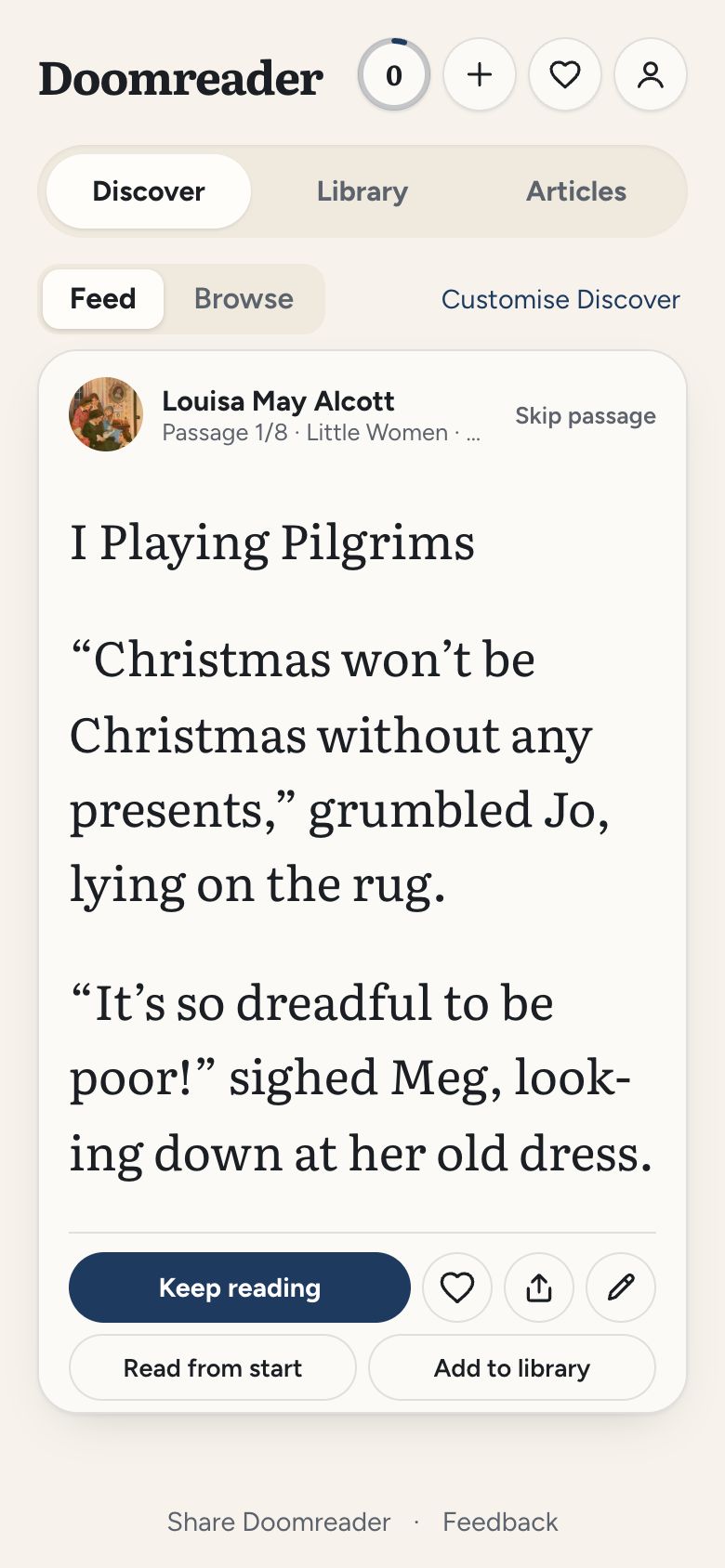
The cheapest change is to make the thing you scroll worth the time. The same gesture that moves you through other people's arguments can move you through a book, if the book is cut into screen-sized pieces. That is what Doomreader does: an EPUB, a PDF, a saved article or one of the free classics becomes a feed of short posts, one per screen, and your place is kept so that two minutes in a queue are never wasted.
It keeps the parts of the feed that are genuinely pleasant (the flick, the small reward of a new screen) and replaces the part that leaves you worse off. After twenty minutes of a novel you know what happened in it. After twenty minutes of a timeline you rarely do.
If you want somewhere to start, the free Discover feed is a stream of the best opening scenes and lines from thousands of classics, and a passage you like opens the whole book at that page.
Give the stopping point back
Books have chapters, which is a built-in place to stop. Set a small daily goal in cards rather than minutes, so finishing it feels like completing something rather than running out of time. In Doomreader the goal is counted in cards you actually read (a card counts after a couple of seconds on screen), and a ring on the home screen fills as you go. When it is full, you are allowed to put the phone down feeling you did well.
Streaks help some people and stress others. If you like them, one missed day a week is forgiven in the app, so a single bad evening does not reset weeks of reading.
The parts that are about rest
Late-night doomscrolling is often tiredness looking for an off switch. Reading is calmer than a feed, but a screen in bed is still a screen: turn on a dark theme, lower the brightness and try listening instead. Doomreader can read any book aloud free in your device's own voice, which works with the phone face down on the bedside table.
And sometimes the answer really is to put the phone in the other room. The point of changing the feed is that you no longer need to do that every day.