
Read PDF and EPUB aloud, free, or with an AI voice
Open a PDF or an EPUB and listen. Your device's own voices read it to you free, at your speed, in the browser or on your phone, and natural AI voices are there when you want something closer to a person reading. It is PDF to audiobook without the converting.
Free. No account. The file stays on this device.
How listening works
Your device's voices, free
Doomreader reads with the voices already on your phone or computer, as many as it has, in the book's language. It costs nothing, and no text is sent to Doomreader.
Follow along, or don't
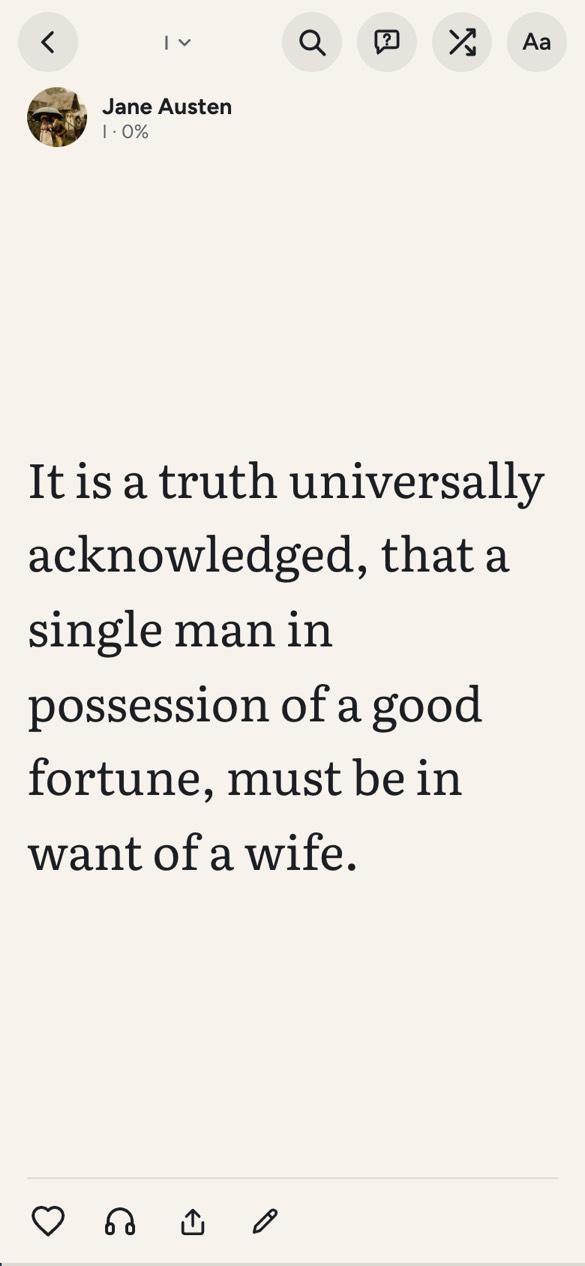
The sentence being read is highlighted and the feed moves on by itself, so you can look up from the dishes and find your place.
At your speed
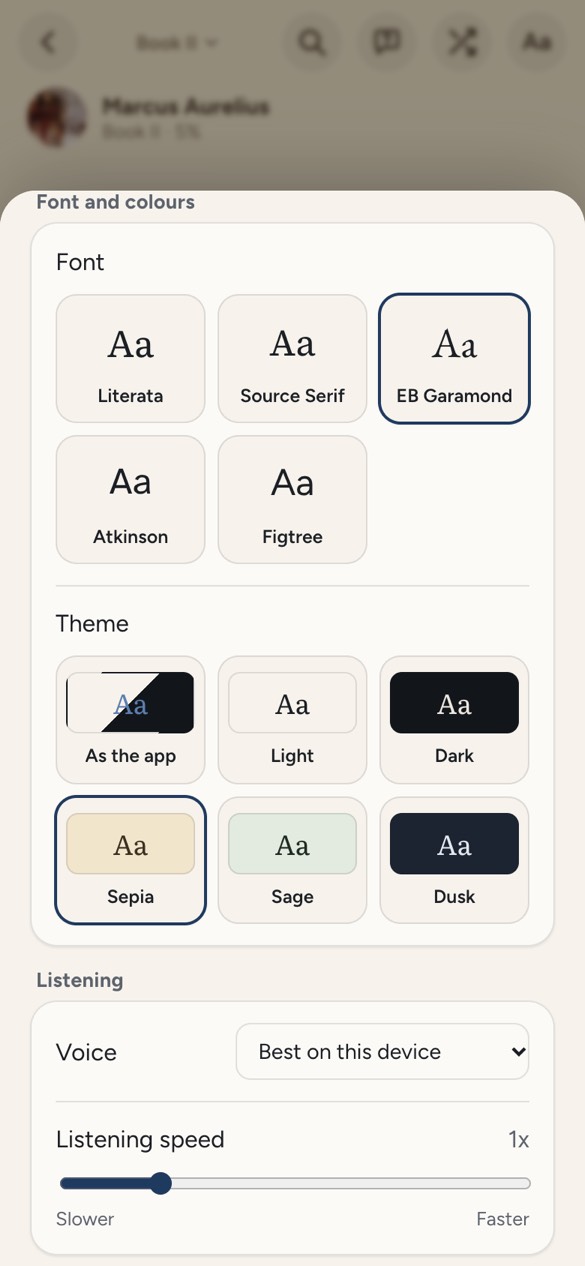
From 0.75x to 2x under Aa, or step up with a tap on the bar. Pause, go back a card, or skip ahead from the bar at the bottom.
Your place is kept
Listening saves your place just like scrolling, so you can switch between reading and listening any time.
How to read a PDF aloud
- Tap Open a PDF or EPUB above, or drop the file on this page.
- The book opens in Doomreader. Tap the headphones under the post.
- Choose a voice and a speed under Aa if you like. The device's best voice is picked for you.
What it looks like
An AI voice reader, when you want one
For a long listen, natural voices sound closer to a person reading: four for each of Doomreader's seven languages, two female and two male, made with Google's Gemini, chosen under Aa while a book is open. They use AI credits: 1 credit for each 150 words read aloud, counted by words, so listening faster costs the same. A paragraph you have heard before plays again free from your device.
With a natural voice, each paragraph's text is sent to our server to be turned into audio, and the audio is kept so the same paragraph in the same voice is never made twice. With your device's voices, nothing is sent to Doomreader; in Chrome, its Google voices are spoken by Google's servers.
PDF or EPUB to audiobook, without the converting
Tools that turn a PDF or an EPUB into an audiobook make an audio file you then play somewhere else. Doomreader reads the file itself, live, so there is nothing to wait for: open it, tap the headphones, and the words are on screen as you hear them, with your place kept when you stop to read instead. How it works for a book of your own is on EPUB to audiobook.
It also means there is no MP3 to take away. Natural voice audio you have heard is kept on your device so it replays free, but it stays inside Doomreader. For more than 3,000 classics ready to play, see the classics to listen to free; to ask a PDF questions as you go, see the AI PDF reader.
Good for
- Reading a PDF for work or study with your eyes closed.
- A novel on the commute, eyes off the screen.
- Dyslexia or tired eyes: hear the words while the sentence is highlighted.
- Books in another language, read in a voice for that language.
Questions
Is reading aloud really free?
Yes. Reading any PDF or EPUB aloud with your device's own voices is free, with no sign-up. Only natural AI voices use AI credits.
Can it turn a PDF or EPUB into an audiobook?
It reads the file aloud as you listen, as an audiobook would, but it is not a narrated recording and it makes no audio file to download. Open the file and press play; there is nothing to convert.
Is there an AI voice reader?
Yes. Natural AI voices, four for each language, read with AI credits: 1 credit for each 150 words. Your device's own voices stay free.
Which PDFs can it read aloud?
PDFs that have real text, such as articles, reports and most ebooks. Scanned PDFs (pictures of pages) and password-locked files cannot be opened.
Is my file uploaded?
No. The file goes from this page to the reader in your browser and stays on your device. With your device's own voices, nothing is sent to Doomreader (in Chrome, its Google voices are spoken by Google's servers); with a natural voice, each paragraph's text is sent to make its audio.