
Guide
Best RSS reader apps in 2026, free and paid
RSS never went away. Blogs, Substacks, podcasts and news sites still publish feeds, and an RSS reader app still gives you what social feeds stopped giving: the writers you chose, in order, with nobody deciding what you see. What has changed is the choice of readers. Some are built for skimming hundreds of headlines, some for reading a handful of writers properly, and the free tiers differ a lot.
Updated 14 Oct 2026
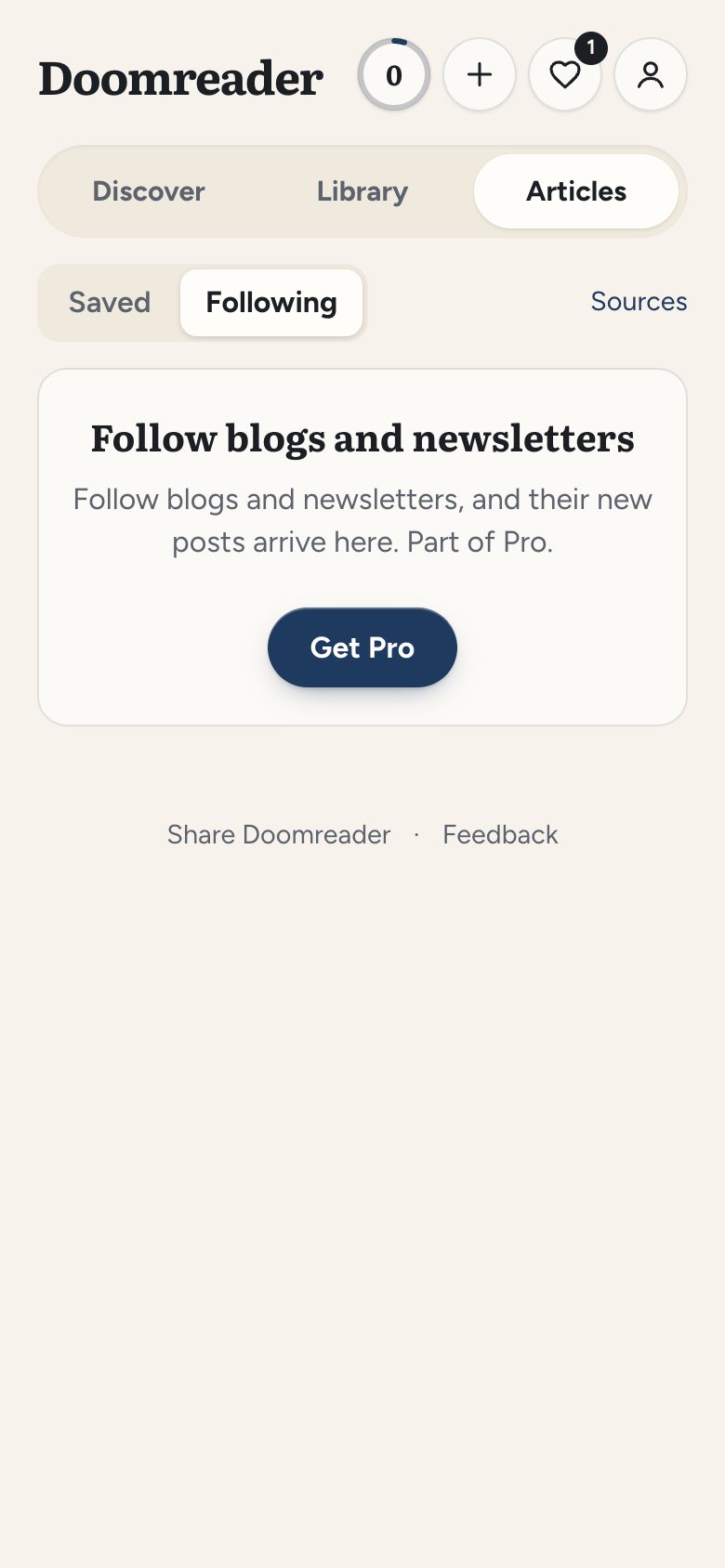
We make Doomreader, so it comes first, with its reasons and its limits. The rest are good apps for the right person. Facts are from each app's own website, store listing or help pages, checked on 14 October 2026, with prices in US dollars as shown there. Sources are at the end.
The best RSS readers at a glance
| App | Best for | Price | Works on |
|---|---|---|---|
| Doomreader | Reading a few writers properly, or listening | Free up to 10 sources; Pro up to 500 | Android app, any browser |
| Feedly | The best known reader, with research tools | Free; Pro from $7.99 a month in the App Store | Web, Android, iPhone, iPad |
| Inoreader | A generous free plan and rules | Free up to 150 feeds; Pro $7.50 a month yearly | Web, Android, iPhone |
| NetNewsWire | Free and open source on Apple devices | Free | Mac, iPhone, iPad |
| Readwise Reader | RSS, read later and newsletters in one | $9.99 a month yearly; no free plan | Web, Android, iPhone, Mac, Windows |
| NewsBlur | Cheap yearly Premium on every platform | Free up to 64 sites; Premium $36 a year | Web, Android, iPhone |
| Feeder | A private RSS reader for Android, free | Free, open source | Android |
1. Doomreader: the best RSS reader app for reading, not skimming
Doomreader is for people who follow twenty writers, not two thousand headlines. Follow a blog, a Substack or any RSS, Atom or JSON feed by pasting its address, and new posts arrive by themselves once a day, as whole posts rather than snippets: when a feed gives only a preview, Doomreader reads the post's own page. With Pro, newsletters that only come by email get a personal address, so issues land beside your feeds instead of your inbox.
Each post opens as a feed of short cards, or in the book look like pages, with your place kept, and any post can be read aloud free in your device's voice. Highlights and notes work as on books. Following is free for up to 10 blogs and feeds, and Pro follows up to 500 and adds newsletters by email; saving single articles by link is free too. The RSS reader page has the details.
Good
- Full posts, read as a calm feed or like a book
- Free read aloud with the device's voices
- With Pro, a newsletter email address, beside your feeds
- Your books and saved articles in the same app
Not so good
- Past 10 sources, following needs Pro
- Up to 500 sources, checked once a day
- No OPML import yet
- No folders or filters
2. Feedly: the best known RSS reader
Feedly is the name most people know, on the web, Android and iPhone, and it is a solid everyday reader. Its help pages describe importing an OPML file of your old subscriptions on the web, and the Pro+ plan adds following up to 50 newsletters and an RSS Builder that makes feeds for sites that have none.
Feedly's pricing page did not load for us; the App Store lists Pro at $7.99 and Pro+ at $15.99 a month. Its free plan's current limits we could not confirm on an official page. The company's home page now leads with threat intelligence for businesses, which says where its attention is.
Good
- Mature, on every platform
- OPML import, and feeds for sites without RSS (Pro+)
Not so good
- Newsletters need Pro+
- Free plan limits unverified
3. Inoreader: the best free RSS reader for power users
Inoreader's free plan is the most generous of the hosted readers: up to 150 feeds, free for good, with no card needed, in the browser and on its Android and iPhone apps. It is built for heavy use, with rules, filters, feeds for sites without RSS and OPML import. Its pricing page also lists text to speech, capped at 5 articles a day, and newsletter feeds; which plans include them, the page did not make clear to us.
The free plan shows adverts; an ad-free view is part of Pro, at $7.50 a month billed yearly or $9.99 billed monthly.
Good
- The most feeds on a free plan here
- Rules, filters and OPML import
Not so good
- Adverts on the free plan
- Read aloud is capped at 5 articles a day on some plans unverified
4. NetNewsWire: the best free RSS reader for iPhone and Mac
NetNewsWire is free and open source, with no paid plan at all, for Mac, iPhone and iPad. It is quick and native, imports and exports OPML, and syncs through iCloud or a service you already use, Feedbin, Feedly, Inoreader, NewsBlur, FreshRSS and others among them.
It is Apple only, and it asks for recent versions of macOS and iOS.
Good
- Free, open source, no account needed
- Syncs with iCloud and many RSS services
Not so good
- No Android, Windows or web version
- Needs recent Apple software
5. Readwise Reader: RSS, read later and newsletters in one
Readwise Reader puts feeds, saved articles, newsletters, PDFs and EPUBs into one app, on the web, Android, iPhone, Mac and Windows, with strong highlighting, natural AI voices and an OPML import that carries your feeds over in one step. For people who live in their highlights and notes, it is the most complete tool here.
It is also the dearest, and Reader comes only with the full Readwise plan, $9.99 a month billed yearly or $12.99 monthly, after a 30-day trial. Our Readwise comparison goes further.
Good
- Feeds, articles, newsletters and books in one place
- Excellent highlights, and natural voices
Not so good
- No free plan, only a trial
- The most expensive here
6. NewsBlur: a cheap, long-running RSS reader
NewsBlur has been around for years, on the web, Android and iPhone. It reads newsletters, imports your OPML file with its folders, and its Premium plan is cheap: $36 a year for up to 1,024 sites, with an Archive plan at $99 a year.
The free plan follows up to 64 sites, the smallest of the hosted free plans here.
Good
- Low yearly price
- OPML import and newsletters
Not so good
- The tightest free plan of the hosted readers
7. Feeder: a free, private RSS reader for Android
Feeder is a free and open source RSS reader for Android, on F-Droid and Google Play. It runs entirely on your phone: no account, no server, your reading stays with you. It reads RSS, Atom and JSON Feed and imports and exports OPML.
The other side of that is no syncing between devices: what you read on the phone stays on the phone.
Good
- Private, with no account
- Free, with OPML import and export
Not so good
- No sync between devices
- Android only
Which RSS reader app should you choose?
For the most on a free plan, Inoreader. On a Mac and iPhone, NetNewsWire is free and very good. On Android with no account at all, Feeder. If you want feeds, saved articles and newsletters in one serious tool and do not mind paying, Readwise Reader; for a cheap yearly plan, NewsBlur.
If what you want is to actually read a few writers you love, as whole posts on your phone or read aloud on the way to work, beside your books, try Doomreader's RSS reader. For saving single articles rather than following, see the best read later apps.