
Guide
An app that reads books aloud, free: what to expect
Almost every phone and computer can already read text aloud. The voices are built into Android, iOS, Windows and macOS, they cost nothing, and they have improved a lot. What most people are missing is not the voice but an app that hands it a book in a sensible way: one paragraph at a time, skipping page numbers and headers, remembering where it stopped.
Updated 10 Oct 2026
This guide explains the options honestly, including where a narrated audiobook is simply better.
Free: your device's own voice
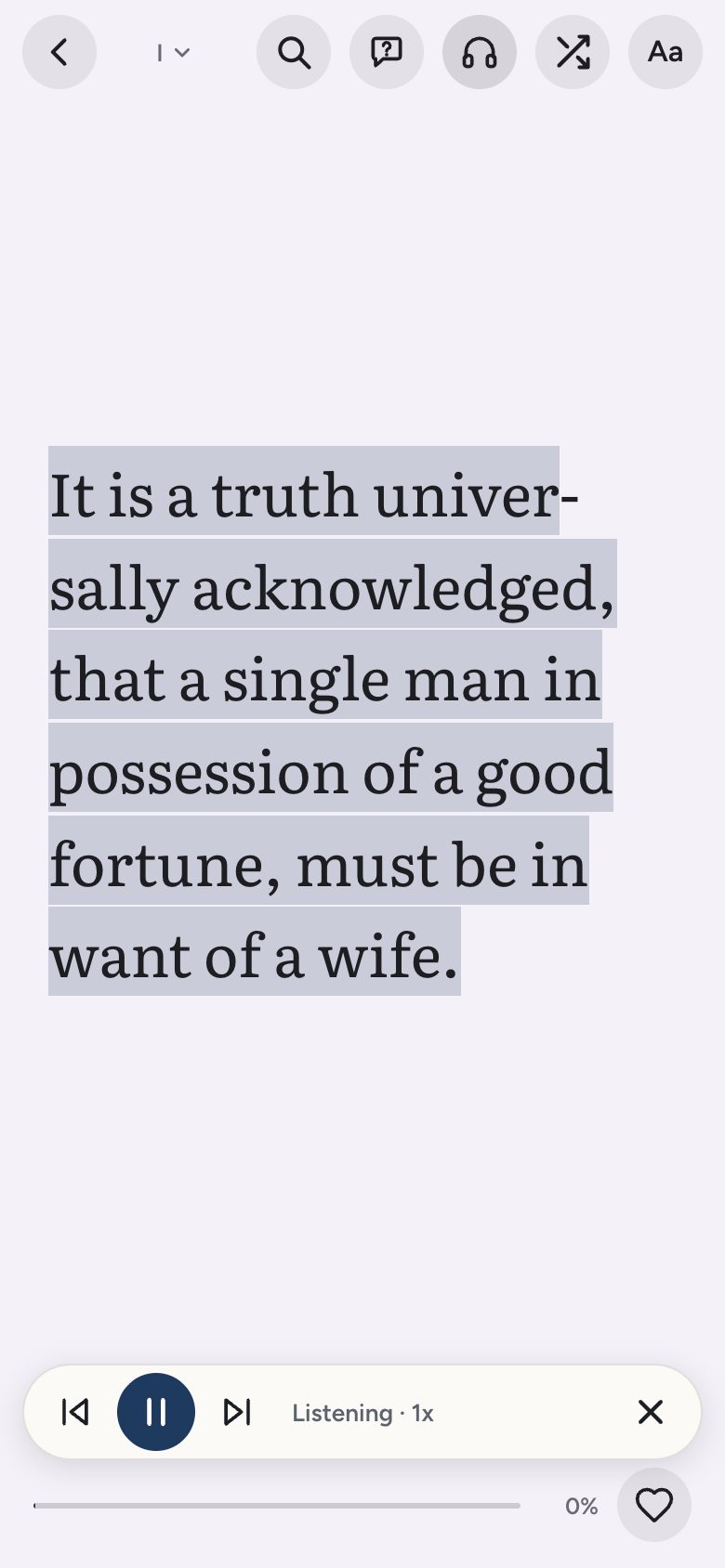
Doomreader reads any book aloud free using your device's voices: your own EPUBs and PDFs with real text, saved web articles and every one of the free classics. Open the book, tap listen, choose a voice and a speed. It reads from where you are and carries on through the book, and the screen follows along, so you can switch between reading and listening.
Device voices vary. The newer ones on recent phones and on Windows and macOS sound natural enough for long listening; older Android voices are flatter. Try two or three in the settings before deciding, and try a slightly faster speed than feels natural, which many listeners prefer after a few minutes.
With AI credits: natural voices
If you want a voice closer to a human narrator, Doomreader's natural AI voices read with AI credits, which anyone can buy once, without a subscription. They cost credits because each paragraph is voiced by a paid service; the device voice costs nothing because your phone does the work. The same paragraph in the same voice is kept once generated, so listening again is quick.
When an audiobook is better
A great narrator performs a book, down to the pause before the punchline. No text-to-speech voice does that yet, ours included. For a favourite novel you will listen to more than once, a narrated recording is worth it. LibriVox has free volunteer recordings of many public domain books, and libraries lend audiobooks through apps such as Libby.
Text-to-speech wins on range: it reads anything, including your own files, articles and books nobody has recorded, and it lets you switch to reading on the page without losing your place.
PDFs and scanned books
A PDF can be read aloud only if it contains real text. Scanned PDFs are pictures of pages and have no text to read; you would need to run them through OCR first. Books with copy protection (most bought ebooks) cannot be opened by any app other than the store's own, so they cannot be read aloud here either.
Where to start
The free classics are a good test. Try a short one such as A Christmas Carol or a story like The Gift of the Magi, and see whether the voice suits you before committing to a long novel.
Tips for listening to long books
Try a little faster than normal speech, at about 1.1 or 1.2 times, and raise it slowly over a few days if it suits you. Use a voice in the book's own language, since an English voice reading French names will grate. When you lose the thread, glance at the screen, which shows the post being read, rather than rewinding blindly.
Mix listening and reading for hard books. Listen to the stretches of plot and read the passages you want to savour or reread. Because the place is shared, nothing is lost when you switch, and a novel you would never have found time to sit down with gets finished across commutes, walks and chores.