
Comparison
A free Speechify alternative for reading books and PDFs aloud
Speechify is the best-known text-to-speech app, and its premium voices are very good. It is also expensive once you outgrow the free plan, which is limited to robotic voices at up to 1.5 times speed. If what you mainly want is to have books, PDFs and articles read aloud, a free option may be enough.
Last checked 10 Oct 2026. Prices and features change; the sources are at the end.
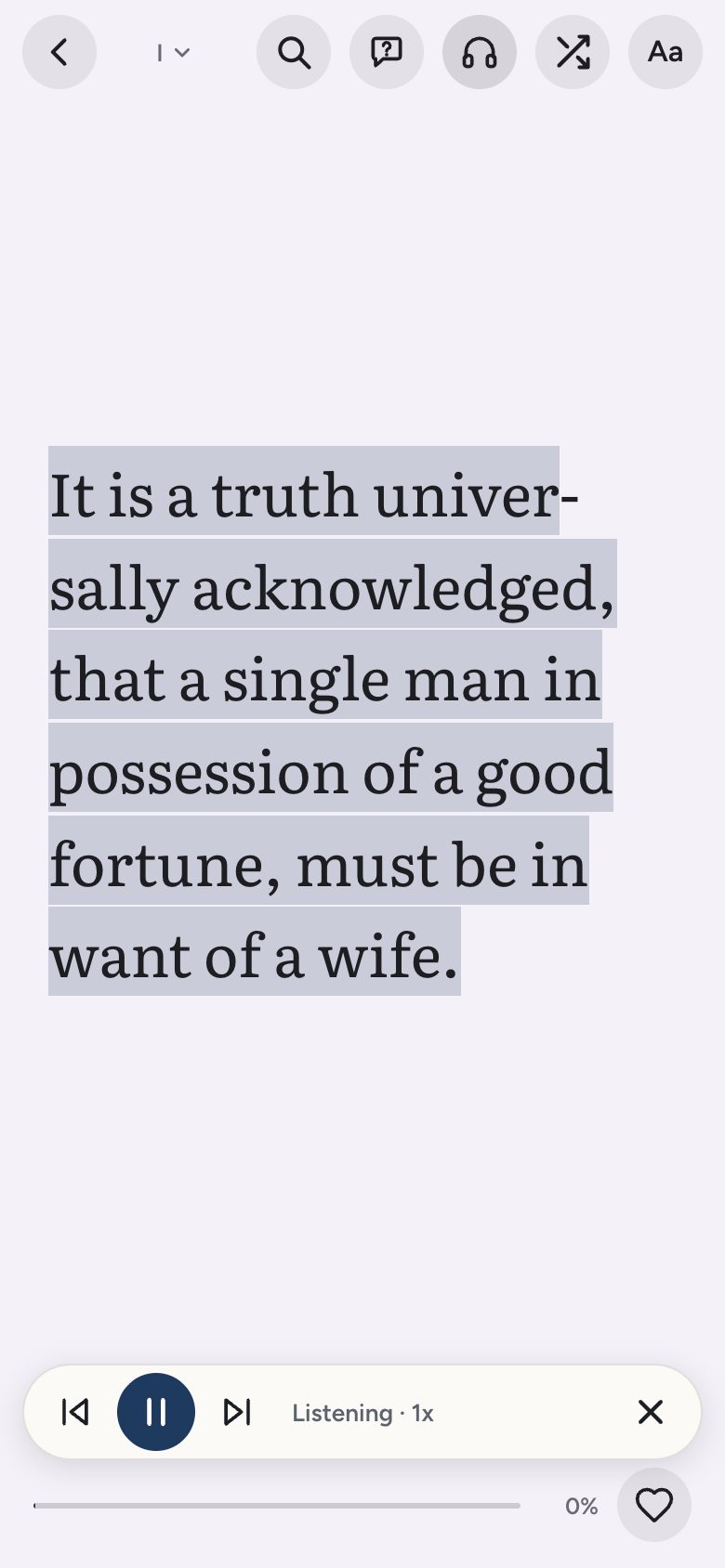
Doomreader reads any DRM-free EPUB, any PDF with real text, saved web articles and thousands of free classics aloud, free, in your phone's or computer's own voice, and shows the text as a feed you can read at the same time. Here is how the two compare, including where Speechify is clearly better.
Doomreader and Speechify side by side
| What | Doomreader | Speechify |
|---|---|---|
| Price to start | Free | Free plan; Premium priced monthly or yearly |
| Paid price | Pro and AI credits, see the pricing page | $29 a month billed monthly, less on yearly billing |
| Free voices | Your device's built-in voices, all of them | 10 robotic-sounding voices |
| Free listening speed | Any speed your device supports | Up to 1.5x |
| Natural AI voices | Yes, with AI credits bought once | 1,000+ voices on Premium |
| EPUB books | Yes, DRM-free | Yes unverified |
| PDFs | Yes, with real text | Yes |
| Scanned pages and photos (OCR) | No | Scan and listen on Premium |
| Web articles | Save by link or share on Android | Yes, with apps and a Chrome extension |
| Free classic books built in | 3,000+, in 7 languages | No |
| Reading on screen | A vertical feed of short posts, place kept | Text view while listening |
| Ask questions about the text | Yes, with AI credits | AI summaries and chat on Premium |
| Apps | Browser on any device, Android app; iPhone as a web app | iOS, Android, Chrome, Mac, web |
| Account needed to start | No | Yes unverified |
Where Speechify is better
- Voice quality and choice: Speechify's premium voices, including celebrity voices, are among the best available, in more than 60 languages.
- Scanning: it can photograph a printed page and read it aloud. Doomreader cannot read scanned PDFs or photos.
- Reach: native apps on iPhone and Mac and a Chrome extension that reads any web page in place.
Where Doomreader is better
- Free is genuinely usable: every device voice, at any speed, for every book, with no daily cap on listening.
- Books come built in: thousands of free classics, each with its best passages, ready to listen to without finding a file.
- Reading and listening share one place, so you can read on the train and listen on the walk without losing your spot.
- The natural voices are paid for with credits you buy once, not a subscription.
Which to choose
If you need the most natural voice possible, listen for hours a day, or need to scan printed pages, Speechify Premium is worth trying. If you mainly want books, PDFs and articles read aloud in a decent voice for free, and like to read along, try Doomreader first: it costs nothing to find out whether your device's voices are good enough.
For more on device voices and when a narrated audiobook is better, see an app that reads books aloud.
Questions
Is there a free alternative to Speechify?
Yes. Doomreader reads EPUBs, PDFs with real text, articles and free classics aloud for free with your device's voices, at any speed, in the browser and on Android.
Are device voices as good as Speechify's?
Not the best of them. Recent phones and computers have natural-sounding voices that many people find fine for long listening; Speechify's premium voices are more expressive.
Can Doomreader read a scanned PDF?
No. It needs a PDF with real text. Speechify's scan feature or an OCR tool is the right choice for scanned pages.
Does Doomreader have natural AI voices?
Yes, paid with AI credits, which anyone can buy once. Prices are on the pricing page.
Sources
- Speechify pricing: plans, the free plan's voices and speed, Premium features; fetched 10 Oct 2026
- Speechify: its apps (iOS, Android, Chrome, Mac, web), from the research of 9 Oct 2026; EPUB support and the sign-up step were not confirmed on Speechify's own pages, so they are marked unverified
Doomreader's own facts are from the app as it is today and its pricing page. Spotted something out of date? Write to hello@doomreaderapp.com.